Okaro · Foreign-currency expense tracker for travel and Japan shopping
Okaro: Spend abroad,
match your statement exactly.
Log the foreign amount and what your card actually charged, and the real rate falls out of the two. Snap a Japanese receipt and AI fills it in.
- 11 currencies
- AI reads receipts
- Works offline on iPhone
- Yen on the receipt
- ¥12,800
- TWD actually charged
- NT$2,752
- This purchase's real rate
- 0.2150
- 2,752 ÷ 12,800
Example amounts; the rate comes from the two real amounts
One purchase, three different numbers
- On the receipt (yen)
- ¥12,800
- Phone alert estimate
- NT$2,688
- Actually charged
- NT$2,752
Okaro records ¥12,800 and NT$2,752 together. 2,752 ÷ 12,800 = 0.2150 is the rate you really paid.
Sample numbers; your amounts will differ.
- currencies supported
- 11
- real amounts: foreign and charged
- 2
- free transactions in total
- 50
- Pro per month, unlimited transactions
- NT$99
Foreign-currency bookkeeping for trips and Japan shopping
The things that never reconcile after a trip abroad or a Japan shopping run — one feature for each.
Dual-Currency Records
Supports 11 currencies including TWD, USD, JPY, KRW and EUR. Record the foreign amount and what your card actually charged; the exchange rate is worked out from those two amounts.
Dual Receipt Archiving
Unique dual-column design: one for 'Original Receipt', one for 'Local Proof'. One transaction, two proofs.
Instant Cloud Backup
Enterprise-grade cloud architecture. Every transaction is securely encrypted and backed up.
Visual Analytics
Auto-generated monthly reports and category analysis. Grasp costs and profit structure at a glance.
Multi-Card Management
Manage rewards and billing dates for different cards. Know exactly how much you spent on each card.
Privacy First
We don't sell data or show ads. Your entries and receipts are only used to run the service; site analytics only run with your consent and never include your bookkeeping data.
Powerful Core,
Hidden in Simplicity.
Okaro is more than an expense app; it's your financial hub. Through three carefully designed modules, we solve all complexities of cross-border trade.
Smart Image Analysis
Powered by the latest AI models. It not only reads numbers but understands receipts, automatically categorizing items and calculating taxes.
Real Cost,
Precise Calculation
No reliance on bank rates. Enter your foreign and local card charges, and the system reverse-calculates the 'real rate', ensuring you know the exact cost.
- Card Amount (JPY)
- ¥12,800
- Actual Cost (TWD)
- NT$2,752
- Rate:
- 0.2150
Native App & Cloud Backup
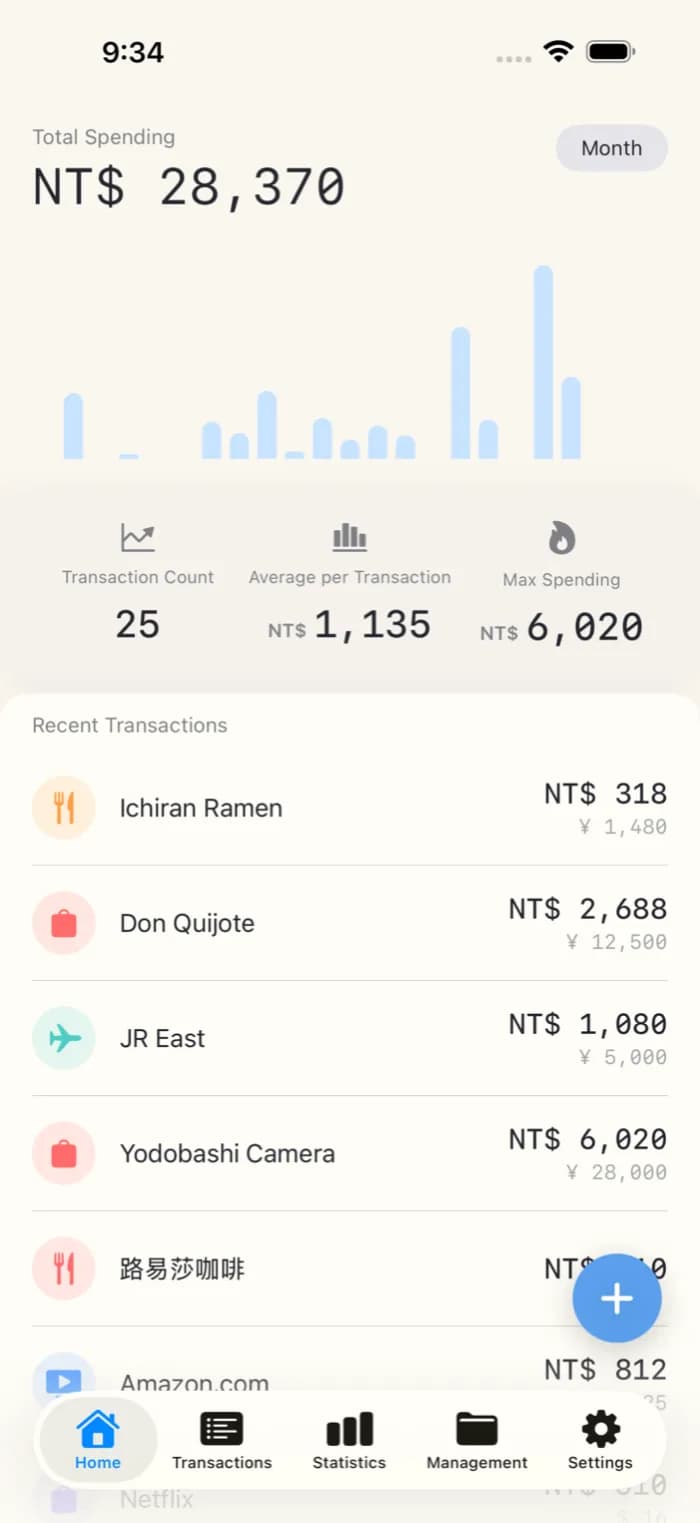
The iPhone app is built natively, so logging an expense never waits for a web page. When you are signed in, transactions are backed up to the cloud and come back when you sign in on a new phone.
- HTTPS-encrypted connections
- Each account can only read and write its own data
Simple, Transparent Pricing
From light travel to professional purchasing, choose the plan that fits you.
All plans include AI receipt recognition and real exchange rates worked out from your two actual amounts.
Free
For short trips or light users
$0/ Forever
- 50 transactions in total
- 3 Custom Categories
- 1 Payment Card
- Basic AI Recognition
Pro
Designed for Agents & High-Frequency Traders
$3.99/ Month
Or $39.99/year (Save 2 months)
- Unlimited Transactions
- Unlimited Categories
- Unlimited Cards
- Priority AI Processing
- Full Dual Archiving
- Advanced Export
⚠️ Currently in-app subscription only
Need volume licensing?Contact Usfor enterprise quotes.
Frequently asked questions
Everything Japan-focused resellers, tour leaders, and frequent travelers ask before switching to Okaro.
What is Okaro?
How does Okaro convert JPY to TWD?
Which currencies does Okaro support?
How is Okaro different from general expense apps like MoneyPro?
How does Okaro compare to Excel or Notion?
Does Okaro work with Buyee, Bibian, KuaBuy, Tenso?
Can I use Okaro offline?
How accurate is the AI receipt recognition?
How do I reconcile with customers?
Is my data safe?
How much does Okaro cost?
Do the web version and the iPhone app share data?
Still have a question? Email support@harukibox.com
Next trip, every charge matches your statement
Snap a receipt and AI reads the currency and amount; log the foreign amount and what your card actually charged, and Okaro derives the real rate. The free plan includes 50 transactions in total, no credit card needed.
Currently supports iOS and Web. Android coming soon.